
B2B Reordering Is Broken — and Why That Matters
A B2B reorder portal is a system that allows customers to quickly repeat previous purchases using saved order history, predefined product lists, or contract-specific pricing—without starting from scratch.

What Is a B2B Reorder Portal?
A B2B reorder portal is a system that allows customers to quickly repeat previous purchases using saved order history, predefined product lists, or contract-based pricing—without starting from scratch.
Introduction: B2B Buying Is Not About Discovery
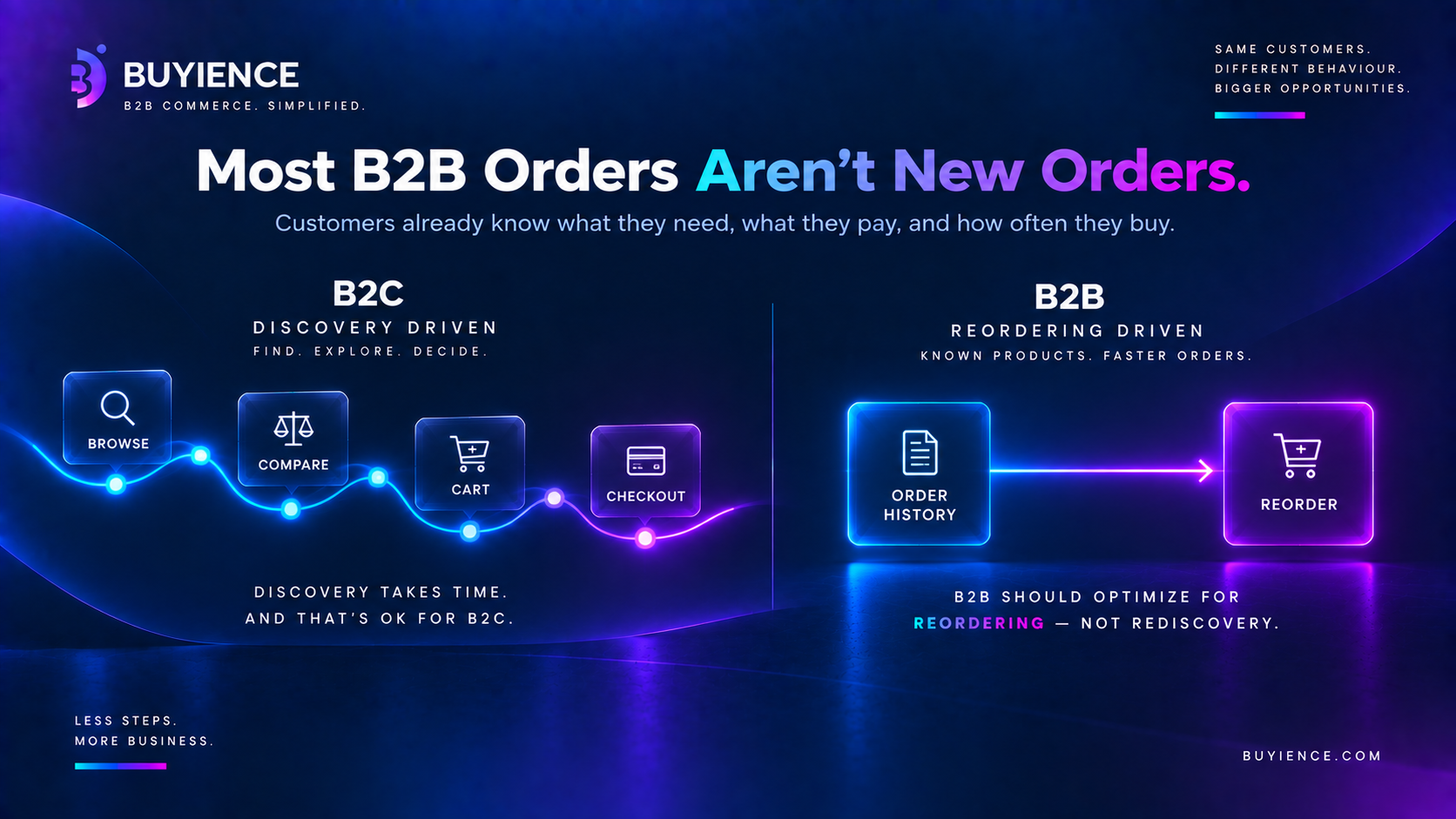
Most ecommerce experiences are built around discovery:
- Browse products
- Compare options
- Add to cart
- Checkout
That works in B2C.
It breaks in B2B.
Because in B2B:
Most orders are repeat orders.
Customers already know:
- What they need
- What they pay
- How often they buy
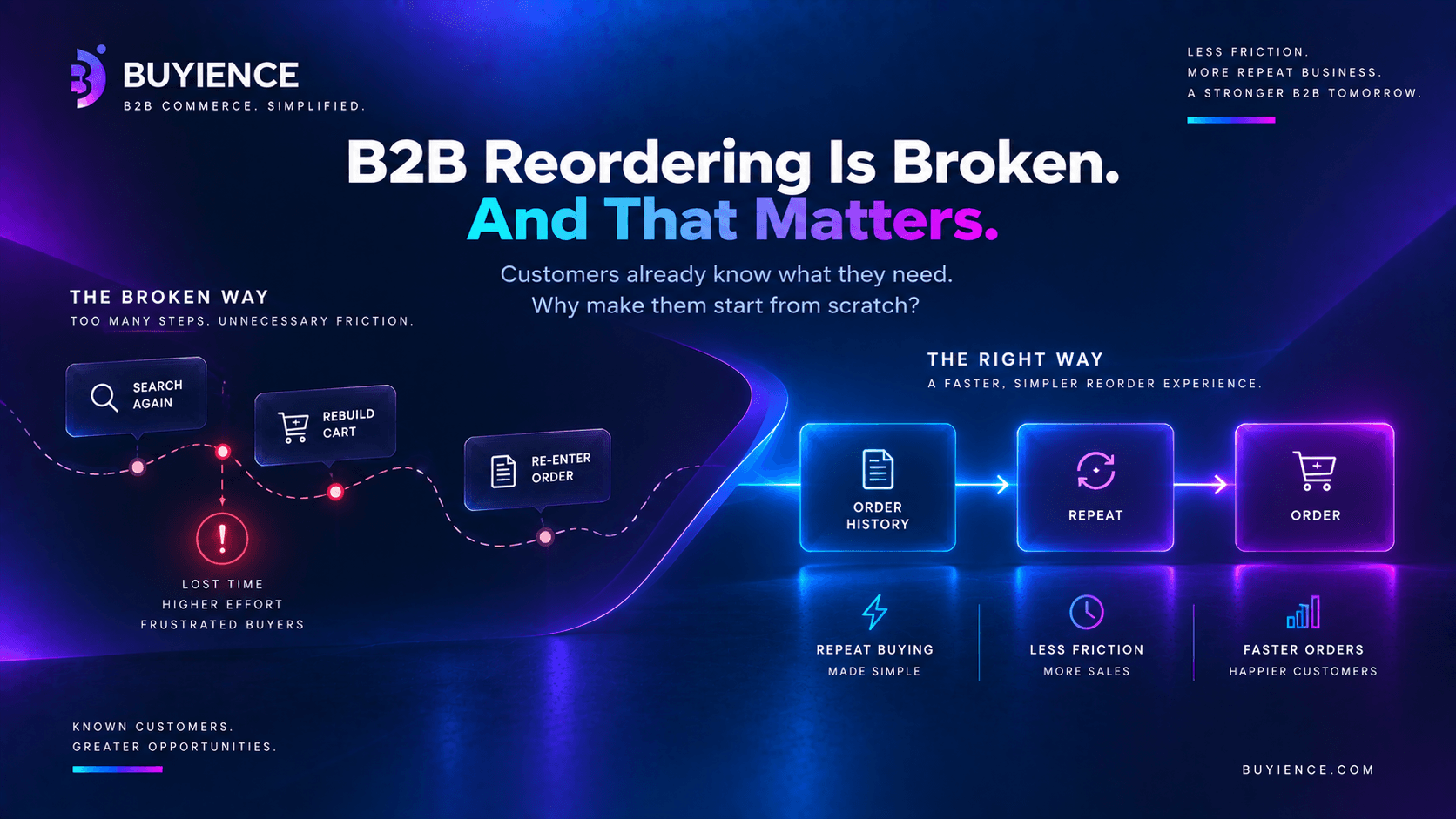
Yet most B2B systems still force them to:
- Search again
- Rebuild carts
- Re-enter orders
That’s not just bad UX.
It’s a broken buying workflow.
Why Reordering Is the Core B2B Use Case
Key Reality (Snippet-Friendly)
In B2B commerce, 60–80% of orders are repeat purchases.
That means:
- Growth depends on reorder efficiency
- Revenue depends on repeat behavior
- Customer retention depends on frictionless reordering
If reordering is slow, everything else suffers.
Why Most B2B Reordering Experiences Fail
Most companies don’t lack reordering features.
They lack reordering systems.
Common Reordering Problems
- No centralized order history
- Inconsistent pricing on repeat orders
- Manual SKU entry or uploads
- No saved carts or order templates
- ERP dependency for every reorder
- Slow or broken search
The Core Issue: Reordering Is Treated Like a Feature
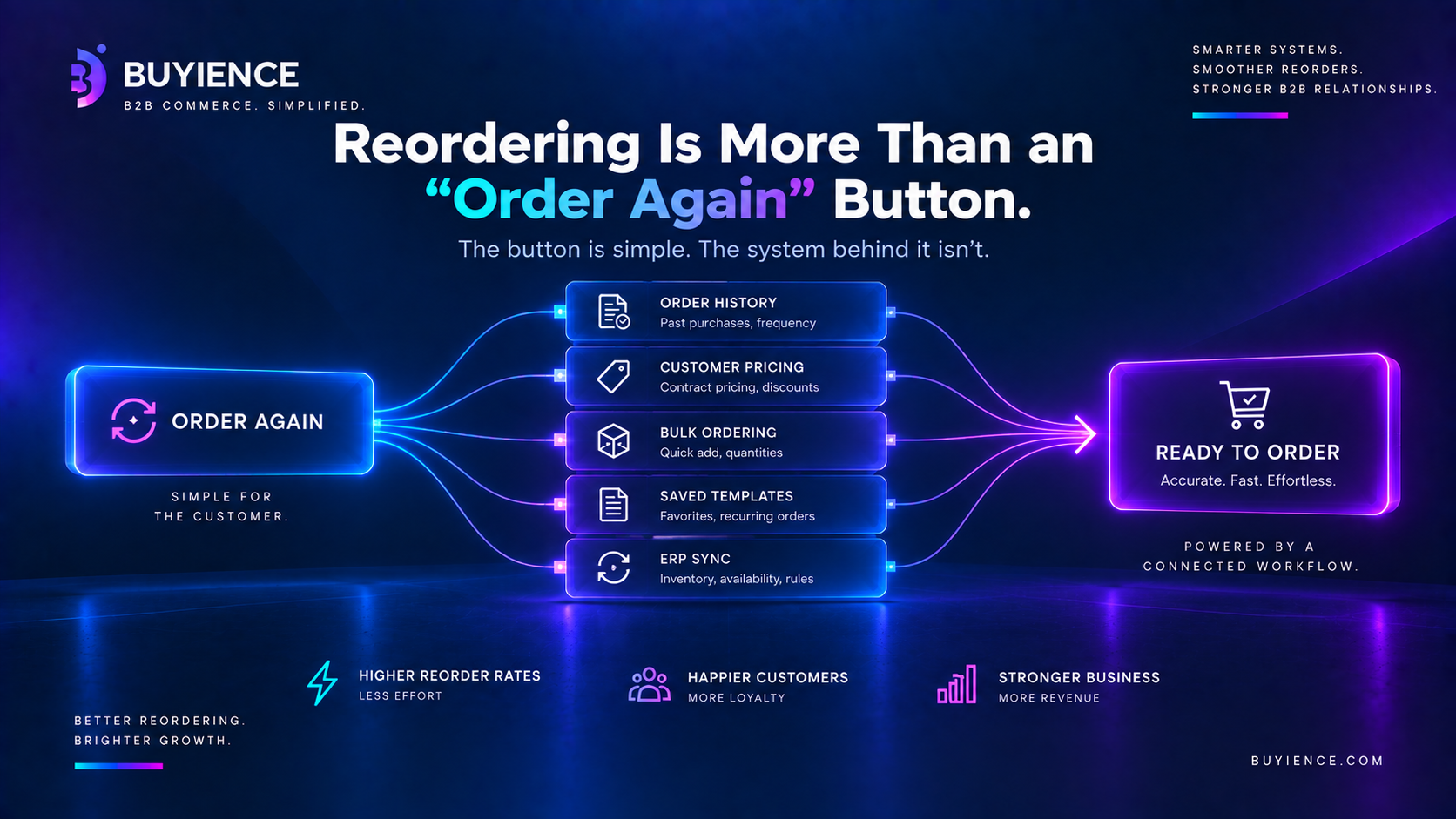
Most platforms treat reordering as:
- “Order again” button
- Quick add-to-cart tool
- Recently purchased list
That’s not enough.
Reordering Is NOT:
- A UI shortcut
- A minor enhancement
- A convenience feature
Reordering IS:
- A workflow
- A system
- A revenue driver
What a Proper B2B Reorder Portal Should Do
A real reorder portal should remove friction completely.
Core Capabilities (Snippet Section)
A scalable B2B reorder portal should:
- Store complete order history
- Enable one-click reordering
- Support bulk ordering (CSV / SKU upload)
- Maintain customer-specific pricing
- Allow saved carts and order templates
- Sync with ERP without slowing down UX
Where Most Systems Break Down
Ecommerce-First Approach
Problem:
- Designed for browsing, not repeat buying
Result:
- Customers rebuild orders every time
ERP-Dependent Reordering
Problem:
- Every reorder request hits ERP
Result:
- Slow performance
- Poor user experience
Manual Sales-Led Reordering
Problem:
- Customers depend on reps
Result:
- Delays
- Higher operational cost
The Hidden Cost of Broken Reordering
Most teams underestimate this.
1. Lost Revenue
Customers don’t complain.
They just:
- Delay orders
- Reduce order size
- Move to competitors
2. Increased Operational Load
- Sales teams manually process repeat orders
- Support teams handle reorder requests
- Finance deals with inconsistencies
3. Customer Frustration (That You Don’t See)
B2B buyers won’t say:
“Your UX is bad”
They’ll just:
“Order less frequently”
What Changes When Reordering Actually Works
Before
- Manual reordering
- Inconsistent pricing
- Slow order creation
- High dependency on sales
After
- One-click reorders
- Saved order templates
- Instant bulk ordering
- Consistent pricing
Reordering and Pricing Are Deeply Connected
Reordering only works if pricing works.
If pricing is inconsistent:
- Customers don’t trust reorder flows
- Orders get manually verified
- Automation breaks
Reordering Is Not Just UX—It’s Architecture
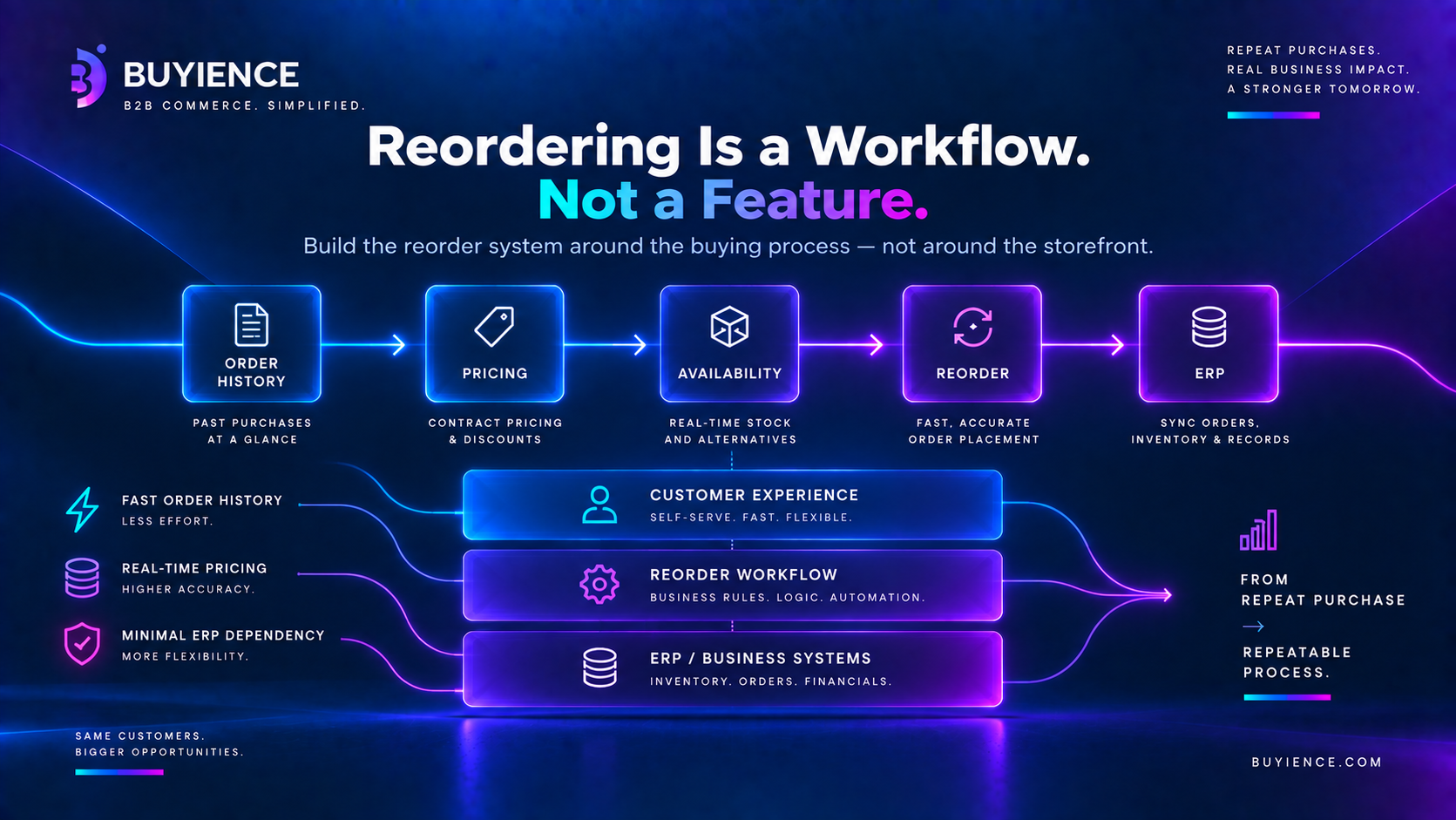
This is where most companies get it wrong.
They try to fix reordering by:
- Improving UI
- Adding plugins
- Tweaking search
But the real issue is architecture.
What You Actually Need
- A reorder system independent of the storefront
- Fast access to order history
- Real-time pricing integration
- Minimal ERP dependency
Key Features of a Scalable B2B Reorder Portal
Must-Have Features
- Order history with filters
- One-click reorder functionality
- Bulk ordering (CSV, SKU lists)
- Customer-specific pricing support
- Saved carts and templates
Advanced Features
- Predictive reordering
- AI-based recommendations
- Subscription-style ordering
When Do You Need a B2B Reorder Portal? (Checklist)
You likely need one if:
- Customers frequently reorder the same products
- Sales team handles repeat orders manually
- Customers complain about ordering friction
- Orders involve multiple SKUs
- ERP is slowing down order placement
The Bigger Shift: From Browsing to Reordering
- B2C commerce optimizes for discovery
- B2B commerce should optimize for reordering
Companies that don’t make this shift:
- Lose efficiency
- Lose customers
- Lose revenue
Conclusion: Reordering Drives B2B Growth
If your system is optimized for:
- Browsing
- Product discovery
- Marketing journeys
You’re solving the wrong problem.
B2B growth doesn’t come from better browsing. It comes from faster reordering.
Evaluate Your Reordering Workflow
Instead of asking:
“Do we have a reorder button?”
Ask:
- How long does it take to place a repeat order?
- How many steps are involved?
- How often does sales intervene?
- Is pricing consistent during reorders?
If the answers aren’t clear, your reordering system is already costing you.
Start by mapping your current order management and reorder workflow—and identifying where friction exists. That’s where the real opportunity is.
Questions, answered
What is a B2B reorder portal?
A B2B reorder portal is a system that allows customers to quickly repeat previous purchases using:
- Order history
- Saved carts or templates
- Bulk ordering tools
It eliminates the need to manually rebuild orders every time.
Why is reordering important in B2B ecommerce?
Reordering is critical because:
- Most B2B purchases are repeat orders
- Customers already know what they need
- Faster reordering directly impacts revenue and retention
Efficient reordering is one of the biggest drivers of B2B growth.
What are common problems in B2B reordering systems?
Common issues include:
- No easy access to order history
- Inconsistent pricing during reorders
- Manual SKU entry or bulk uploads
- Slow ERP-dependent processes
- Lack of saved order templates
These problems create friction and reduce order frequency.
How does a reorder portal improve B2B operations?
A reorder portal improves operations by:
- Reducing order time
- Eliminating manual errors
- Enabling self-service ordering
- Reducing dependency on sales teams
What features should a B2B reorder portal have?
Key features include:
- Order history with filters
- One-click reorder functionality
- Bulk ordering (CSV or SKU upload)
- Customer-specific pricing
- Saved carts and templates
Why do most B2B reorder systems fail?
Most reorder systems fail because:
- They are treated as a simple feature instead of a workflow
- They rely too heavily on ERP systems
- They lack proper pricing integration
- They don’t support bulk or repeat ordering efficiently
How does pricing affect B2B reordering?
Pricing plays a critical role in reordering.
If pricing is inconsistent:
- Customers lose trust
- Orders require manual validation
- Automation breaks
What is the difference between B2B and B2C reordering?
- B2C reordering is occasional and simple
- B2B reordering is frequent and complex
B2B requires:
- Bulk ordering
- Contract pricing
- Repeat workflows
When should a company invest in a reorder portal?
You should consider a reorder portal if:
- Customers frequently reorder the same products
- Sales teams handle repeat orders manually
- Orders involve multiple SKUs
- Customers experience ordering friction
How can you improve the B2B reorder process?
To improve reordering:
- Centralize order history
- Enable one-click or bulk ordering
- Ensure consistent pricing
- Reduce ERP dependency
- Automate repeat workflows
Related articles
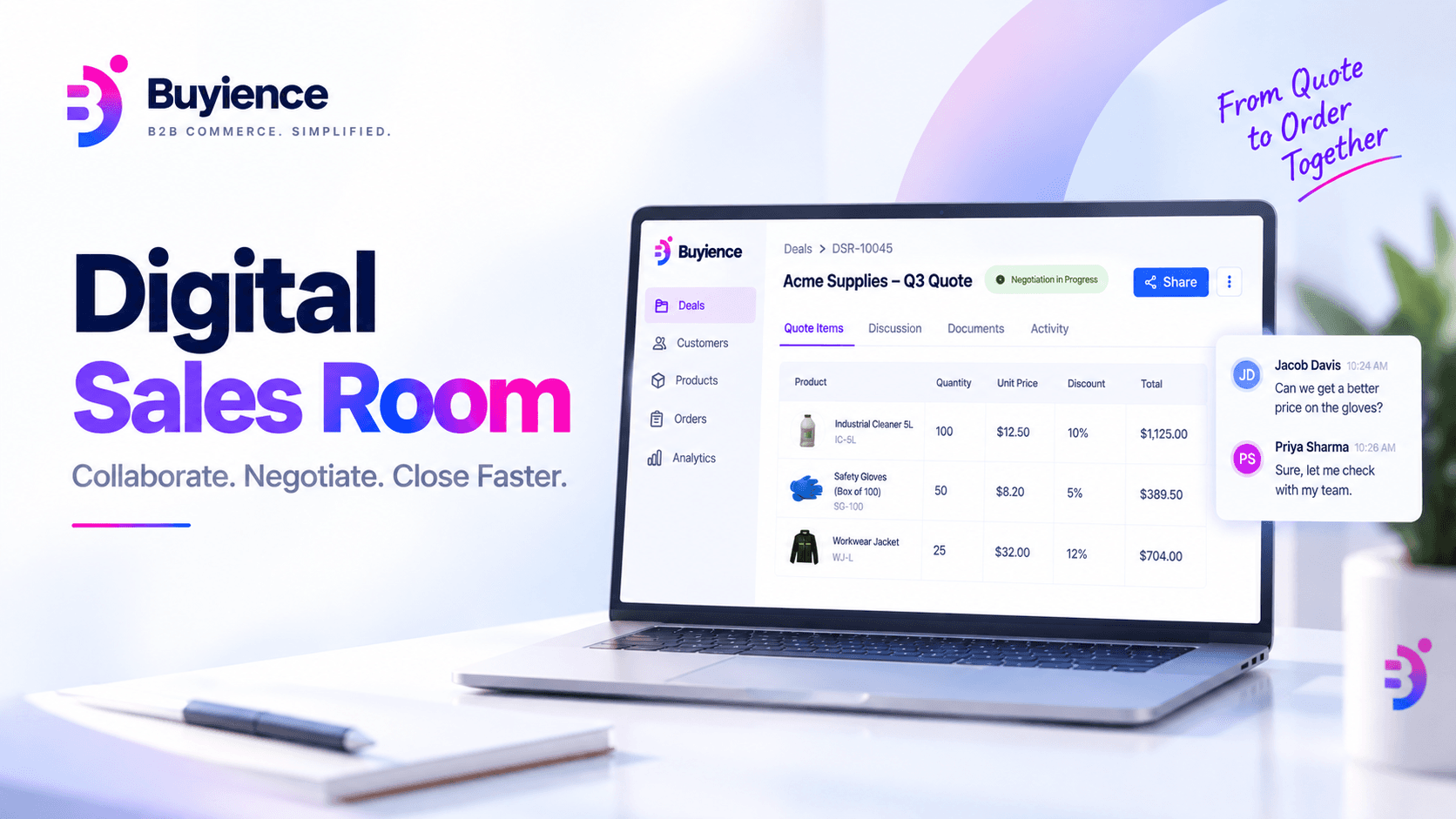
Digital Sales Room (DSR)
A digital sales room (DSR) is a secure, shared online workspace where a seller and a buyer work through a deal together — reviewing quotes, negotiating pricing, exchanging questions, and reaching agreement — in one place, with a record of everything that happened.
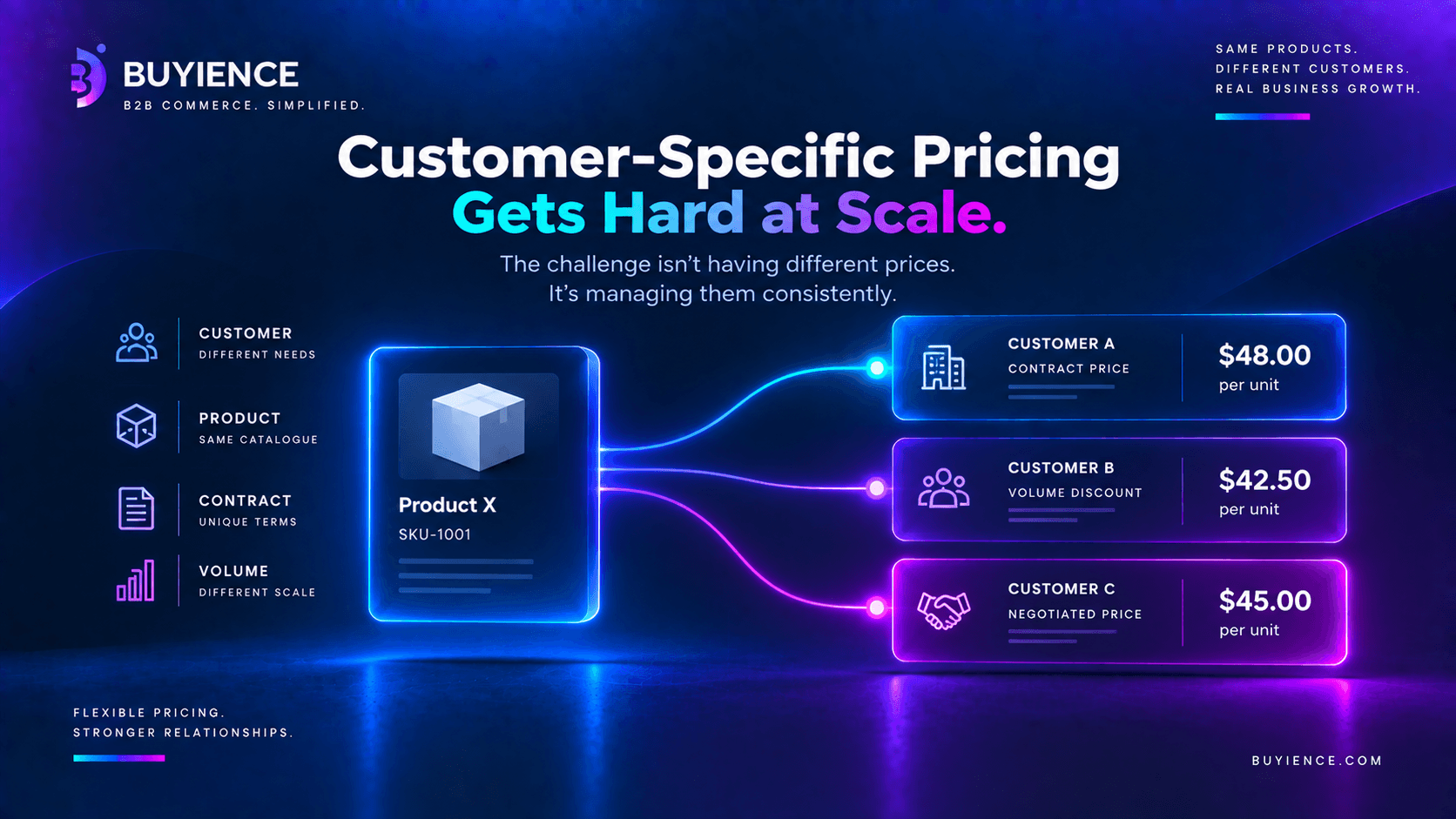
How B2B Teams Manage Customer-Specific Pricing at Scale
B2B pricing software is a system that centralizes and automates pricing logic across customers, products, and channels—ensuring consistent, real-time pricing without manual intervention.
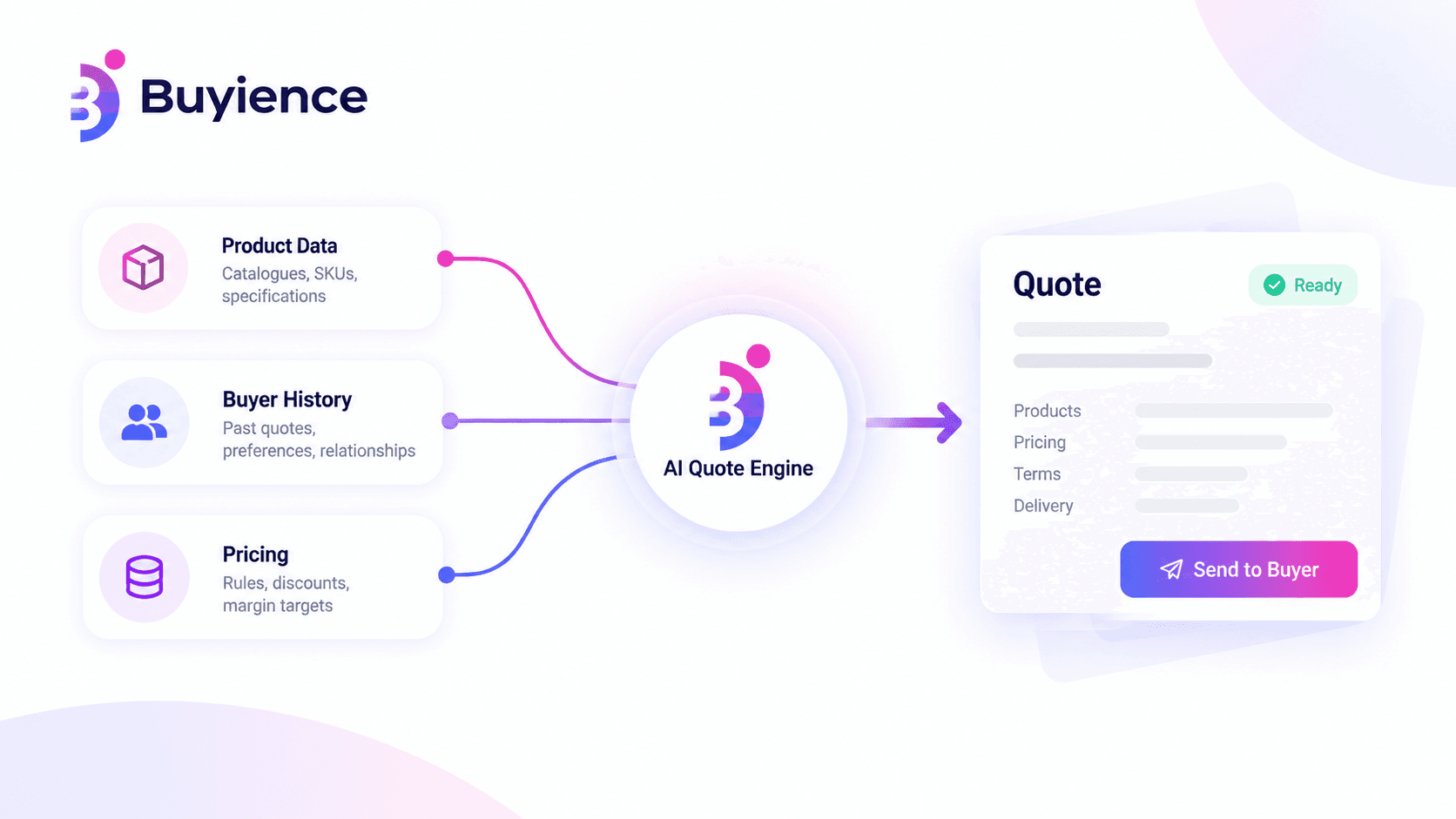
Quote in B2B & AI Quote Engine: How It Works
Discover how an AI quote engine transforms B2B commerce with faster pricing, accurate quotes, automation, and an improved buyer experience.